Video editor, Mac and cloud
Edit video by editing text. Or let Claude do it.
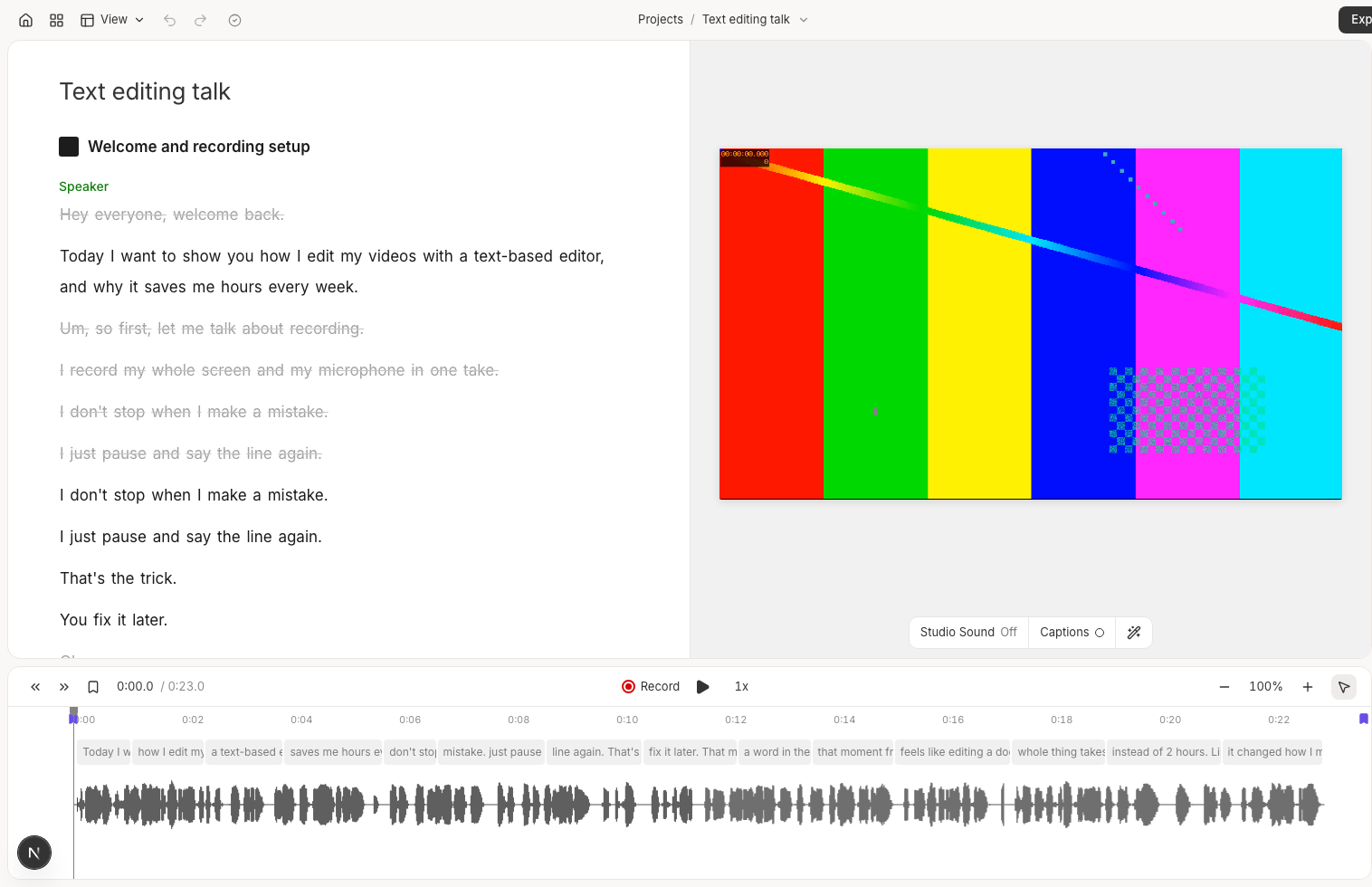
Record your screen, delete the words you do not want, and export. Recut keeps the cuts smooth, the captions clean and the whole edit scriptable.
Video editor, Mac and cloud
Record your screen, delete the words you do not want, and export. Recut keeps the cuts smooth, the captions clean and the whole edit scriptable.
Made in Recut
Smooth cuts
Word timestamps drift. Recut listens to the audio around every cut and moves the edge into the quietest moment nearby, then fades it so there is no click. Add a crossfade or a dissolve at every cut if you want it softer still.

Features
Screen and mic in one take, captions as you talk, clicks tracked for auto-zoom. Nothing leaves your Mac unless you send it.
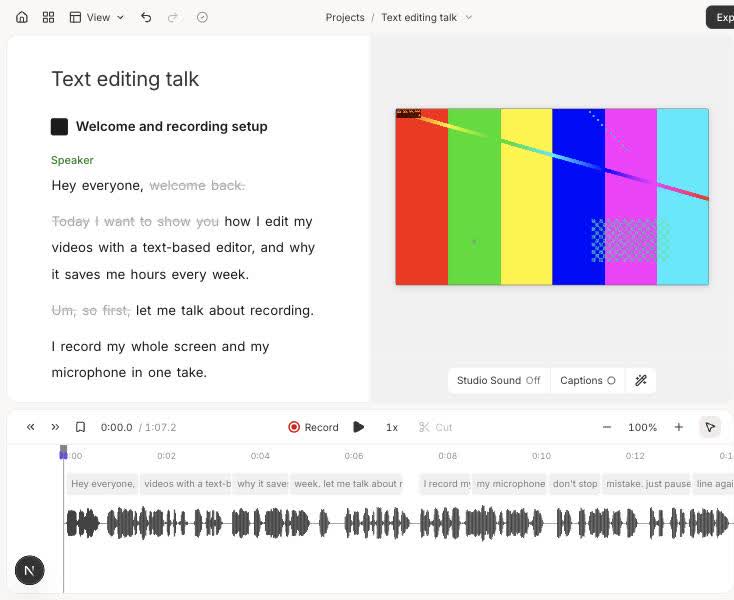
Every word has a timestamp. Delete text and the video follows. Cuts snap to the quietest moment so they do not pop.
Remove fillers, retakes and dead air, or tighten for clarity. It reads the words around a filler, so "filler words like um" stays.
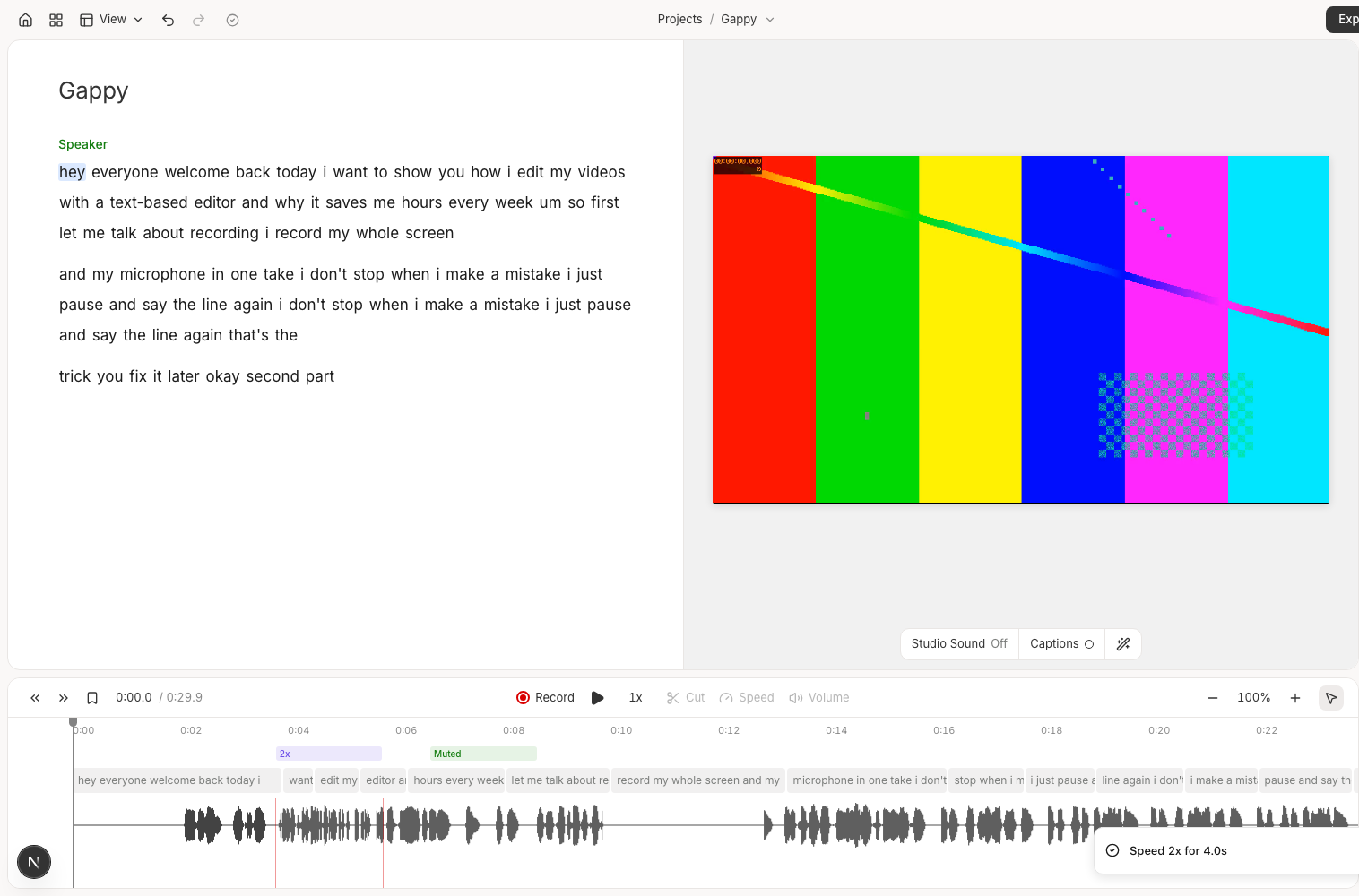
Speed and volume per section, drag a cut's edge, insert a pause, move a passage, J/K/L and frame steps, transitions at every cut.
Titles straight from a selection, images, video and sound effects. Fades in and out, and the preview matches the export.
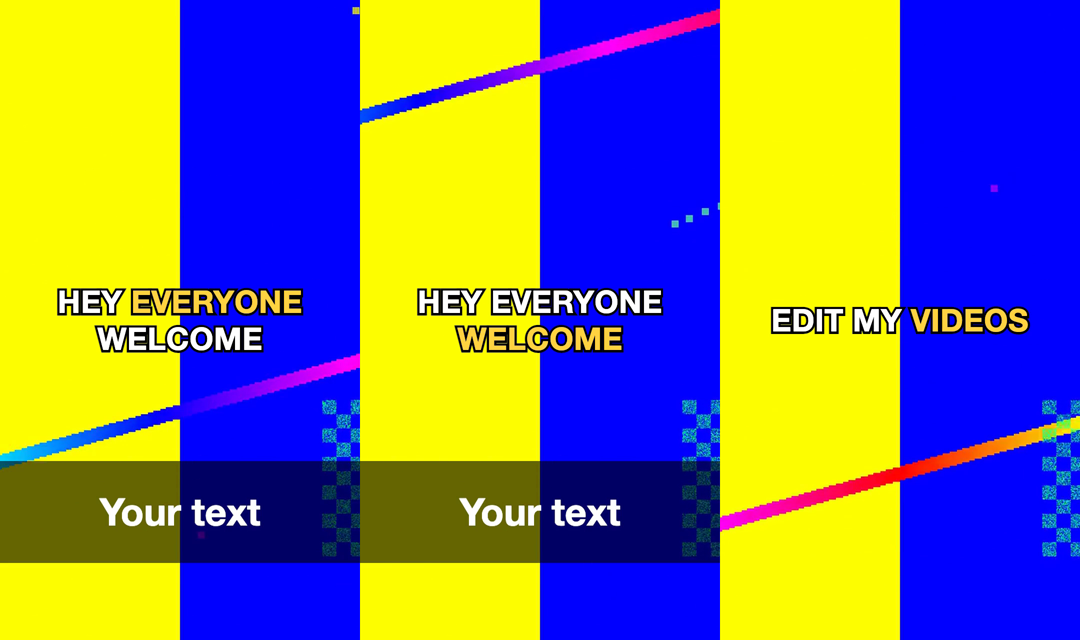
Box, outline, minimal, or the word being spoken lit up. Drawn after the crop, so 9:16 never cuts them off.
Voice cleanup, a music bed that ducks under speech, and volume on any section.
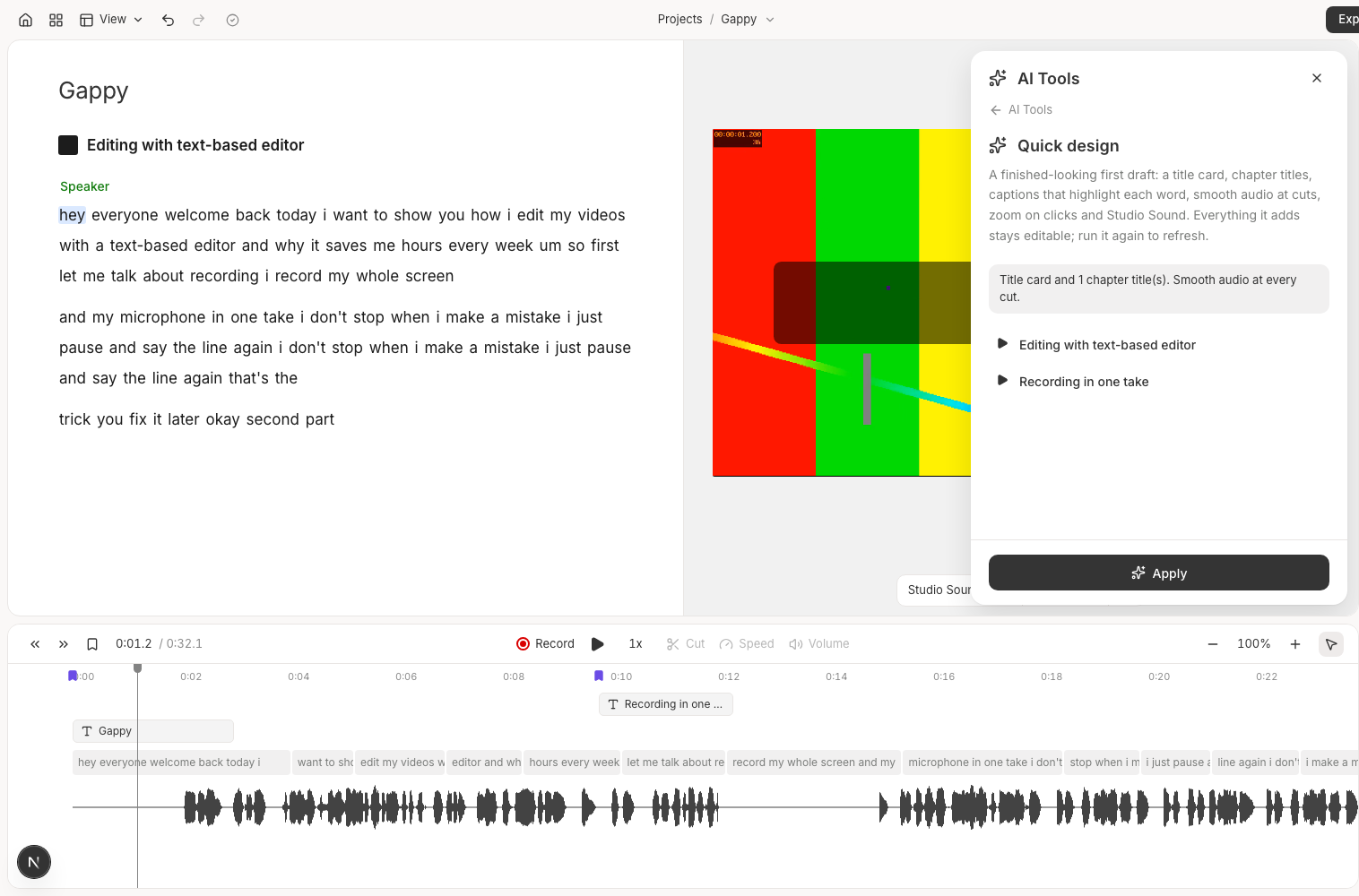
One click for a title card, chapter titles, captions, smooth cuts and zoom on clicks. Everything it adds stays editable.
Over MCP, Claude reads the script, makes the cuts, looks at the waveform, checks every jump cut and leaves review comments.
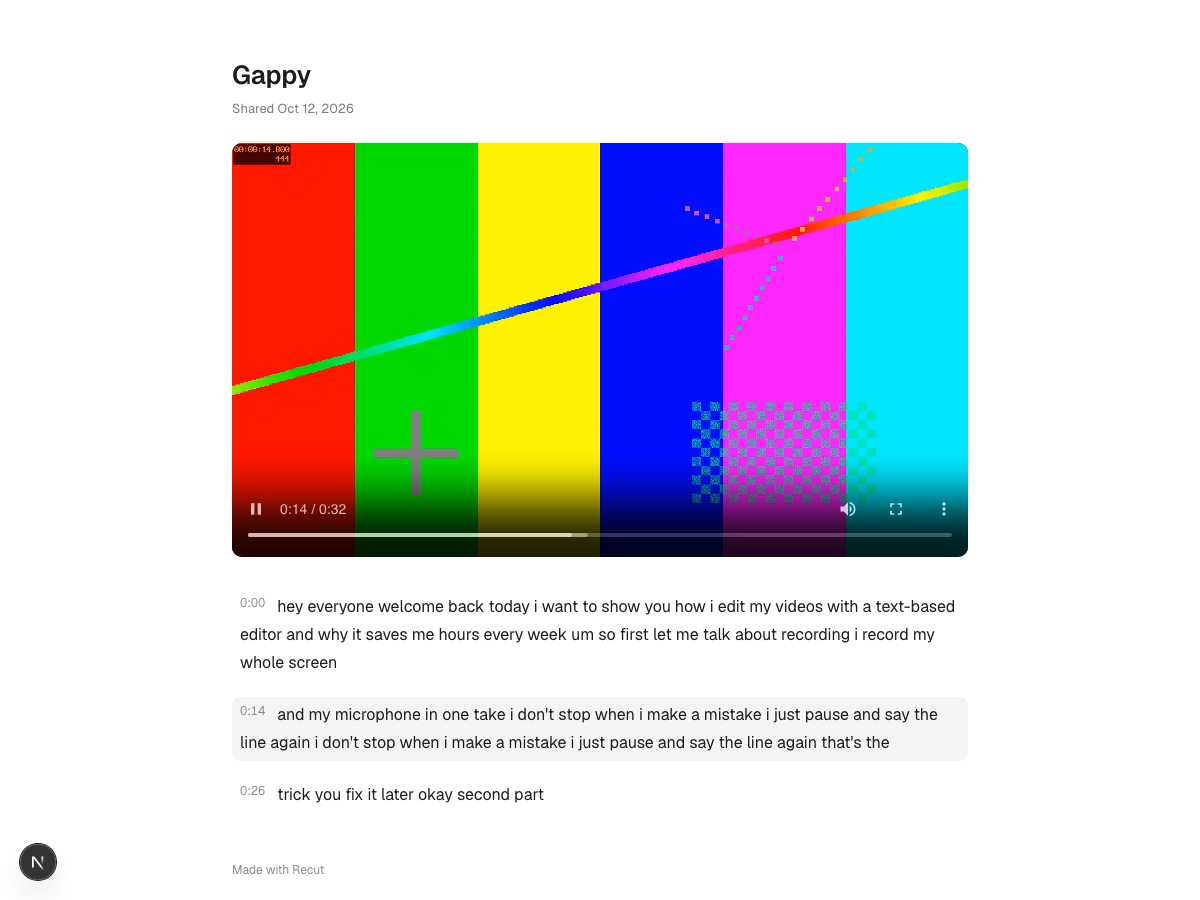
A page with the video and a click-to-seek transcript. Works signed out, and you can turn it off.
Several edits of one recording, and notes pinned to words, from you or from Claude.
MP4, MOV, WebM, GIF, MP3, WAV, SRT and VTT, a still frame, or a timeline for Final Cut, Premiere and Resolve.
Claude as an editor
Recut ships an MCP server. Claude reads the script, makes the edit, looks at the waveform, checks every jump cut, and leaves a comment when a human should decide. Your open editor updates live, and Cmd+Z undoes anything it did.
{
  "mcpServers": {
    "recut": { "command": "pnpm", "args": ["--filter", "@dl/mcp", "start"] }
  }
}
Records, transcribes and renders on your Mac. Pairs with Recut Dictate for voice everywhere else.
The same editor in the browser, with rendering on our servers, share links and an API for agents.
FAQ
It is in early access while we use it on our own videos. Join the newsletter and we will tell you when the Mac app and the cloud version open up.
On your Mac with whisper.cpp by default, so your recording does not have to leave the machine. A cloud transcriber can be switched on instead.
The AI tools go through the AI SDK, so you choose the model. Editing by hand, the timeline and exports work without any AI at all.
Recut runs an MCP server. Claude can read the script with word ids and times, apply any edit the editor can make, see a picture of the waveform with the cuts drawn on it, and check every jump cut. If the editor is open, the changes show up live and Cmd+Z undoes them.
Yes. Export an FCPXML or EDL and the cut opens in Final Cut, Premiere or Resolve on the same source file.
Every edit is available as a command, for example clipper edit <id> cut start=3.2 end=4.1, plus export, waveform pictures and a jump-cut report.